New Password-Stealing Phishing Campaign Targets Corporate Dropbox Credentials
Multi-stage attack begins with fake message relating to business requests and evades detection with link hidden in a PDF
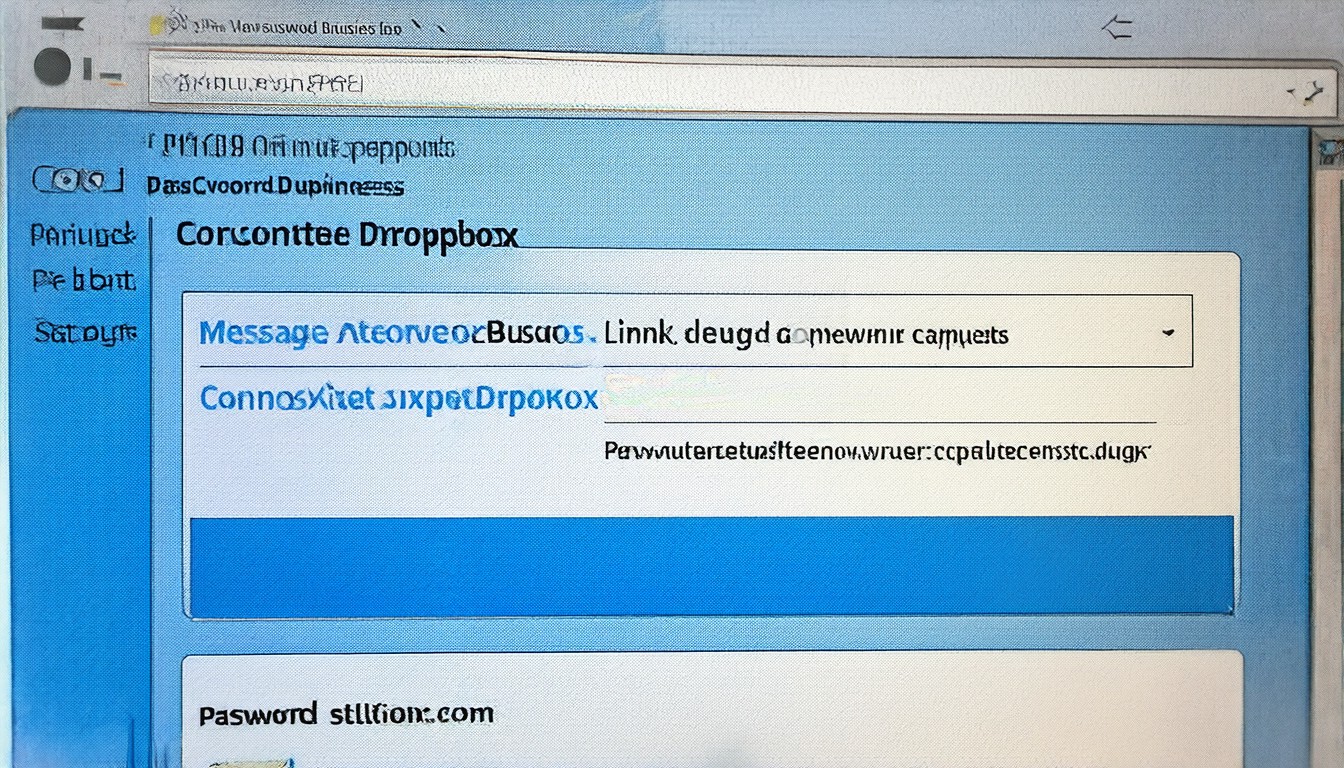
A sophisticated new phishing campaign has emerged, targeting corporate users of Dropbox with a multi-stage attack that begins with a convincing fake message related to business requests. The attackers have taken extra precautions to evade detection by hiding the malicious link within a PDF file, making it challenging for security systems to identify the threat.
The campaign starts with a well-crafted email that appears to come from a legitimate Dropbox account. The message typically requests the recipient to review or approve a document, often citing a business process or collaboration. The sender's name and email address are carefully crafted to mimic a real colleague or manager, and the content of the email is tailored to the recipient's role within the organization. This personalization increases the likelihood that the email will be opened and the link clicked, as recipients are more likely to trust a message that seems relevant to their job responsibilities.
The key element of the attack is the malicious link hidden within a PDF file. The PDF is designed to look like a legitimate document related to the business request mentioned in the email. When the recipient clicks on the link, they are directed to a fake Dropbox login page. This page is a near-perfect replica of the real Dropbox login interface, complete with SSL encryption to further mask the deception. Once the unsuspecting user enters their Dropbox credentials, the attackers gain access to the account, allowing them to steal sensitive files, manipulate data, or even take control of the account to launch further attacks.
Security experts have noted that the use of PDFs to hide malicious links is a clever tactic to bypass basic email filtering mechanisms. Many email security systems focus on detecting suspicious links directly in the email body or in plain text attachments. However, hiding the link within a PDF file can evade these systems, as the link is not immediately visible and may not be flagged as malicious. This requires recipients to be extra vigilant and cautious when interacting with emails that contain links, especially if those links are embedded within documents.
To combat this new phishing campaign, organizations should implement robust email security measures that include advanced phishing detection tools capable of analyzing attachments and embedded links. Regular training for employees on recognizing phishing attempts is also crucial, as human vigilance remains a critical line of defense. Employees should be encouraged to verify the legitimacy of requests through alternative communication channels, such as direct contact with the supposed sender or using official company communication tools.
Dropbox, in collaboration with security firms, is working to identify and mitigate the impact of this campaign. The company has increased its monitoring of suspicious activity and is likely to roll out updates to its security measures to better protect users from such advanced attacks. Users are advised to enable two-factor authentication on their Dropbox accounts and to monitor their account activity for any unauthorized access.
This latest phishing campaign underscores the ongoing battle between attackers and defenders in the realm of cybersecurity. As technology evolves, so too do the tactics used by cybercriminals. Organizations must remain proactive in strengthening their defenses and educating their workforce to stay ahead of these threats. By doing so, they can significantly reduce the risk of successful attacks and protect sensitive corporate data from falling into the wrong hands.