Home ScienceLooking up? How to photograph the moon with your p...
ScienceтнР Featured

Looking up? How to photograph the moon with your phone

Eyes are on the sky this week as four astronauts get the closest humans have been to the moon for more than 50 years on NASA's Artemis II mission. Join the millions of people looking up while it's on its way and we'll show you how to get the best photo of the moon using your phone.
6 April 2026 at 07:43 pm
1 views
Looking up? How to photograph the moon with your phone

As the world watches with anticipation, NASA's Artemis II mission is carrying four astronauts on the closest journey to the moon in over half a century. This historic mission has sparked a renewed interest in the celestial body, inspiring millions of people to look up at the night sky. For those eager to capture the moon's beauty using their smartphones, we've compiled a guide to help you take stunning photos of our luminous neighbor.

To start, timing is key. The best opportunities to photograph the moon occur during its phases, particularly when it is full or nearly full. These phases provide the most dramatic contrast between the moon's bright surface and the dark sky, enhancing the visual impact of your images. Additionally, aim to capture the moon during its highest point in the sky, which typically occurs in the early evening or late morning. This positioning ensures optimal lighting and reduces the chances of atmospheric distortion.

Next, consider your location. Seek out open, unobstructed views of the sky to minimize interference from buildings, trees, or other obstacles. If possible, elevate your position, such as climbing a hill or using a rooftop, to gain a clearer vantage point. In urban areas, try to find a spot away from bright city lights, as these can wash out the moon's details and create unwanted glare.

Equipment-wise, your smartphone camera is more than capable of capturing stunning moon photos. Most modern devices come with advanced features like night mode, which automatically adjusts settings to optimize low-light photography. Enable the night mode or low-light setting on your camera app before starting. If your phone doesn't have this feature, try using manual settings to control exposure, ISO, and shutter speed. Experiment with these settings to find the perfect balance for your specific conditions.

Composition is also crucial. The rule of thirds is a helpful guideline for framing your shot. Imagine dividing your screen into nine equal parts with two horizontal lines and two vertical lines. Position the moon off-center, using one of the lines as a reference point. This placement creates a more visually appealing image and avoids the moon dominating the frame too heavily.

Incorporating foreground elements can add depth and context to your photos. Consider including silhouettes of trees, buildings, or other natural features that cast shadows on the moon. These elements not only enhance the composition but also provide a sense of scale, helping viewers appreciate the moon's size and proximity.

Post-processing can further enhance your moon photos. Apps like Snapseed or Lightroom offer tools for adjusting exposure, contrast, and color balance. Be cautious not to over-edit, as subtle enhancements often yield the most natural-looking results.

Finally, share your creations with others. Social media platforms are abuzz with moon photography enthusiasts eager to exchange tips and showcase their work. Tag your photos with relevant hashtags, such as #MoonPhotography or #ArtemisII, to reach a wider audience and connect with like-minded photographers.

As the Artemis II mission continues to captivate the world, seize this opportunity to explore the moon through your smartphone lens. With a little patience, creativity, and technical know-how, you can create images that not only document this historic moment but also inspire awe and wonder in those who view them.

ЁЯУ░ Related News
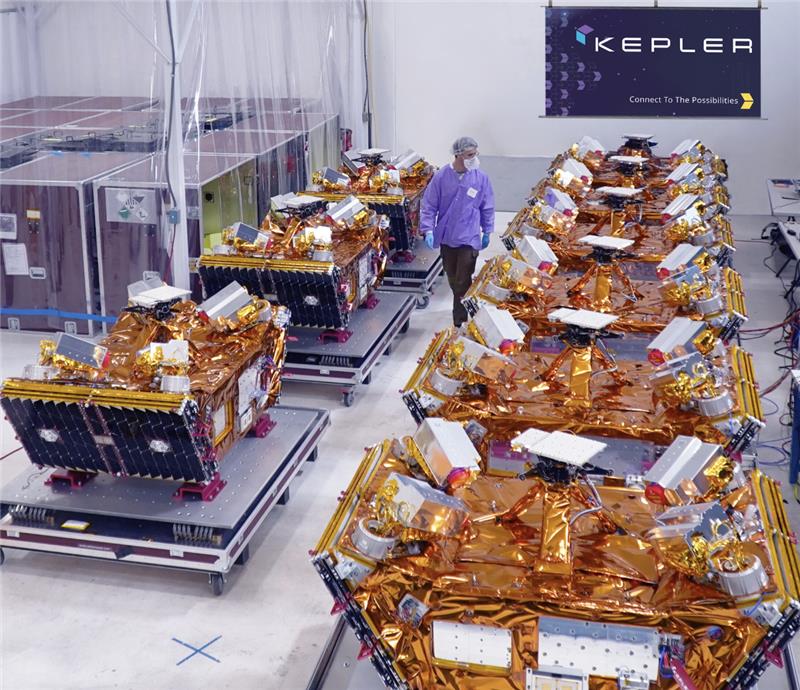
The largest orbital compute cluster is open for business | TechCrunch
Kepler Communications is flying 40 GPUs in Earth orbit. And its latest customer is Sophia Space.
14 Apr
тАШMideast conflict poses risks to Philippines growthтАЩ
The Philippine economy is expected to grow at a faster pace of 5.3 percent this year from last year’s 4.4 percent but the ongoing Middle East conflict is seen to pose risks, according to the Association of Southeast Asian Nations Plus 3 Macroeconomic Research Office.
7 Apr
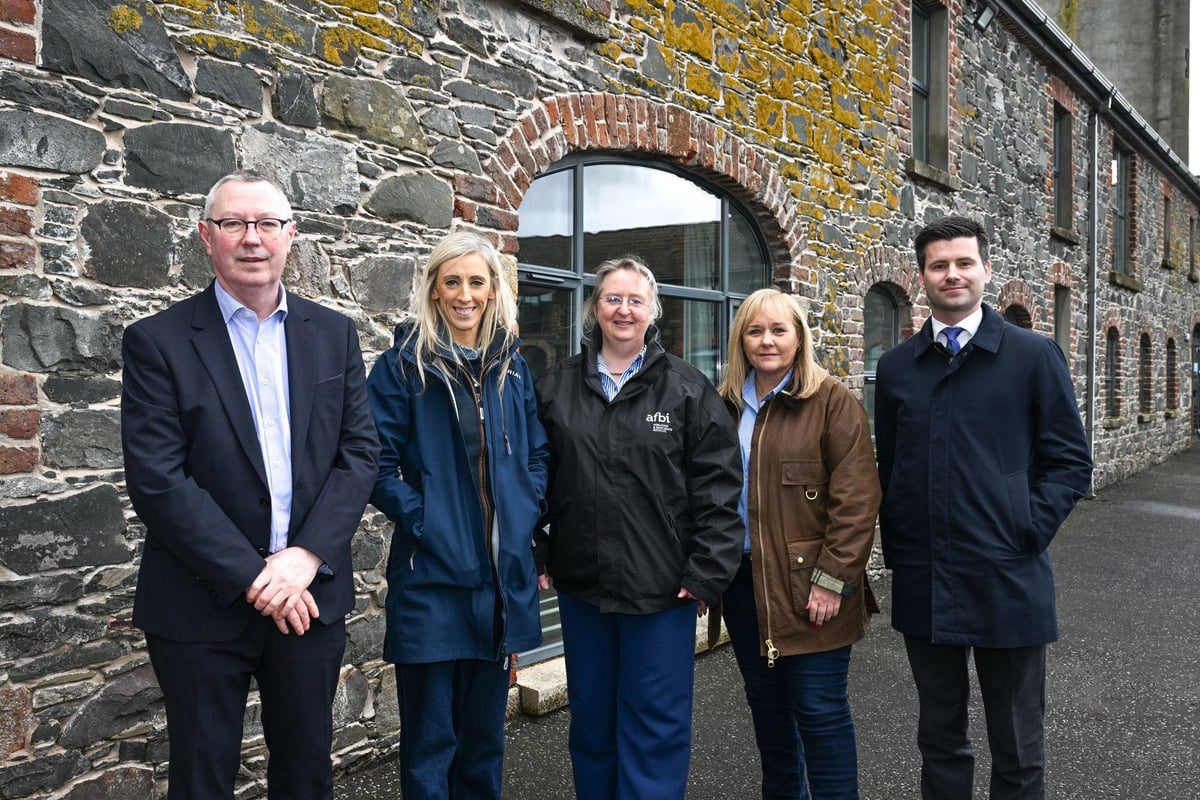
AFBI welcomes DUP representatives to its research farm at Hillsborough
The Agri-Food and Biosciences Institute (AFBI) welcomed a number of DUP representatives to its research farm at Hillsborough on Friday.
7 Apr
A simple way to get more value from metrics
We spent one day 1 building a system that immediately found a mid 7 figure optimization (which ended up shipping). In the first year, we shipped mid 8 figures per year worth of cost savings as a result. The key feature this system introduces is the ability to query metrics data across all hosts and all services and over any period of time (since inception), so we've called it LongTermMetrics (LTM) internally since I like boring, descriptive, names. This got started when I was looking for a starter project that would both help me understand the Twitter infra stack and also have some easily quantifiable value. Andy Wilcox suggested looking at JVM survivor space utilization for some large services. If you're not familiar with what survivor space is, you can think of it as a configurable, fixed-size buffer, in the JVM (at least if you use the GC algorithm that's default at Twitter). At the time, if you looked at a random large services, you'd usually find that either: The buffer was too small, resulting in poor performance, sometimes catastrophically poor when under high load. The buffer was too large, resulting in wasted memory, i.e., wasted money. But instead of looking at random services, there's no fundamental reason that we shouldn't be able to query all services and get a list of which services have room for improvement in their configuration, sorted by performance degradation or cost savings. And if we write that query for JVM survivor space, this also
7 Apr
Accelerating Mathematical and Scientific Discovery with Gemini Deep Think
Research papers point to the growing impact of Deep Think across fields
7 Apr
Gemini 3 Deep Think: Advancing science, research and engineering
Our most specialized reasoning mode is now updated to solve modern science, research and engineering challenges.
7 Apr
Context Engineering for Coding Agents
The number of options we have to configure and enrich a coding agent’s context has exploded over the past few months. Claude Code is leading the charge with innovations in this space, but other coding assistants are quickly following suit. Powerful context engineering is becoming a huge part of the developer experience of these tools. Birgitta Böckeler explains the current state of context configuration features, using Claude Code as an example. moreтАж
7 Apr
What does less protein and nitrogen mean for methane?
Does feeding less protein to cows over a longer period not only reduce nitrogen losses, but also affect methane emissions? Researchers at Wageningen University & Research (WUR) investigated this in a multi-year study with dairy cows, funded by the Vereniging Diervoederonderzoek Nederland (VDN), the Dutch Ministry of Agriculture, Fisheries, Food Security and Nature (LVVN), and […] The post What does less protein and nitrogen mean for methane? appeared first on Agriland.ie .
7 Apr
SecondтАЩs Bark Boasts New era of Bitcoin Payments, drawing in former Blockstream developers
Bitcoin Magazine SecondтАЩs Bark Boasts New era of Bitcoin Payments, drawing in former Blockstream developers Second, the Bitcoin development lab founded by ex-Blockstream executives including CEO Steven Roose and CTO Erik De Smedt, has unveiled Bark тАФ its custom Ark protocol implementation promising self-custodial payments that are faster and cheaper than Lightning channels. This post SecondтАЩs Bark Boasts New era of Bitcoin Payments, drawing in former Blockstream developers first appeared on Bitcoin Magazine and is written by Juan Galt .
7 Apr
'Morale boost': Nasa carries out Moon mission during tough year for science
HOUSTON — As the four Artemis astronauts approached a high point of their lunar mission -- getting slung around the far side of the Moon -- National Aeronautics and Space Administration (Nasa) staffers crowded into Houston's famed mission control room Monday for a team photo.
7 Apr