I was terrified of OLED burn-in until I found these 3 settings
Avoid screen-burn on your OLED monitor with these tips.
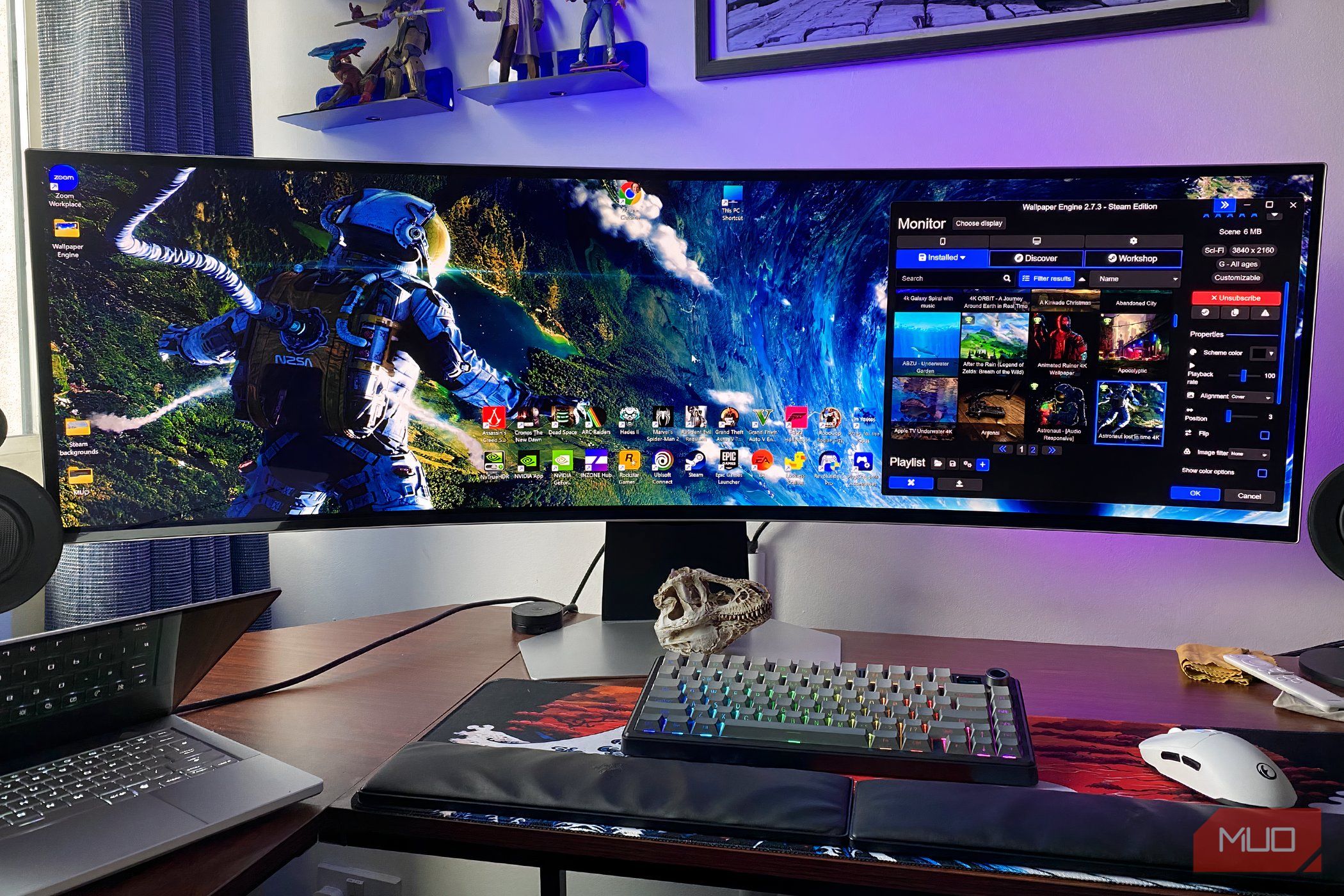
The fear of OLED burn-in has long haunted tech enthusiasts, who worry about the possibility of permanent image retention on their displays. For many, this anxiety is as intense as encountering a spider, a phobia that can paralyze even the most tech-savvy individuals. However, with the right settings and precautions, the threat of OLED burn-in can be significantly mitigated.
OLED screens, known for their vibrant colors and deep blacks, are prone to burn-in when static images are displayed for extended periods. This phenomenon occurs because OLED pixels can slowly degrade under constant stress, leading to a permanent mark on the screen. The risk is particularly concerning for gamers, streamers, and professionals who spend hours staring at the same interface or game menu.
Fortunately, there are three key settings that can help alleviate these fears and protect your OLED monitor from burn-in. By implementing these adjustments, you can enjoy the benefits of an OLED display without the constant dread of permanent damage.
First and foremost, enable the dynamic contrast feature on your OLED monitor. Most modern OLED panels come equipped with this setting, which automatically adjusts the brightness and contrast based on the content being displayed. By doing so, it prevents the screen from staying at a high brightness level for extended periods, reducing the stress on individual pixels. Dynamic contrast also ensures that the display adapts to the viewing environment, further minimizing the risk of burn-in.
Secondly, consider adjusting the screen's brightness settings. While OLED screens are capable of achieving high brightness levels, maintaining the brightness at a moderate level can help prevent burn-in. Excessive brightness can accelerate pixel degradation, so reducing it to a comfortable viewing level can significantly reduce the risk. Additionally, many OLED monitors offer a "low brightness" mode or an "eyesaver" setting that can be beneficial for prolonged use, especially in dimly lit environments.
Lastly, implementing a screen saver or lock screen after periods of inactivity can be a simple yet effective way to combat burn-in. Many OLED monitors come with built-in screen savers that display dynamic patterns or blank the screen after a set period of inactivity. These features ensure that no static image remains on the screen for an extended duration, giving pixels a break and reducing the likelihood of permanent damage. If your monitor does not have a screen saver, you can set one up through your operating system's settings.
In addition to these settings, it's also important to avoid placing your OLED monitor in direct sunlight, as this can increase the risk of burn-in. Positioning the screen away from bright light sources and ensuring it is properly shielded can further protect against potential damage.
While the fear of OLED burn-in may seem daunting, these three settings can provide the peace of mind needed to fully embrace the benefits of an OLED display. By prioritizing dynamic contrast, adjusting brightness levels, and utilizing screen savers, you can enjoy the stunning visuals of an OLED screen without the constant worry of permanent image retention. Embracing these precautions will allow you to focus on the content you love, free from the shadow of burn-in anxiety.