I tried NextDNS on Android, and it’s now my favorite way to block ads on my phone
Its super simple setup will have you blocking ads in no time.
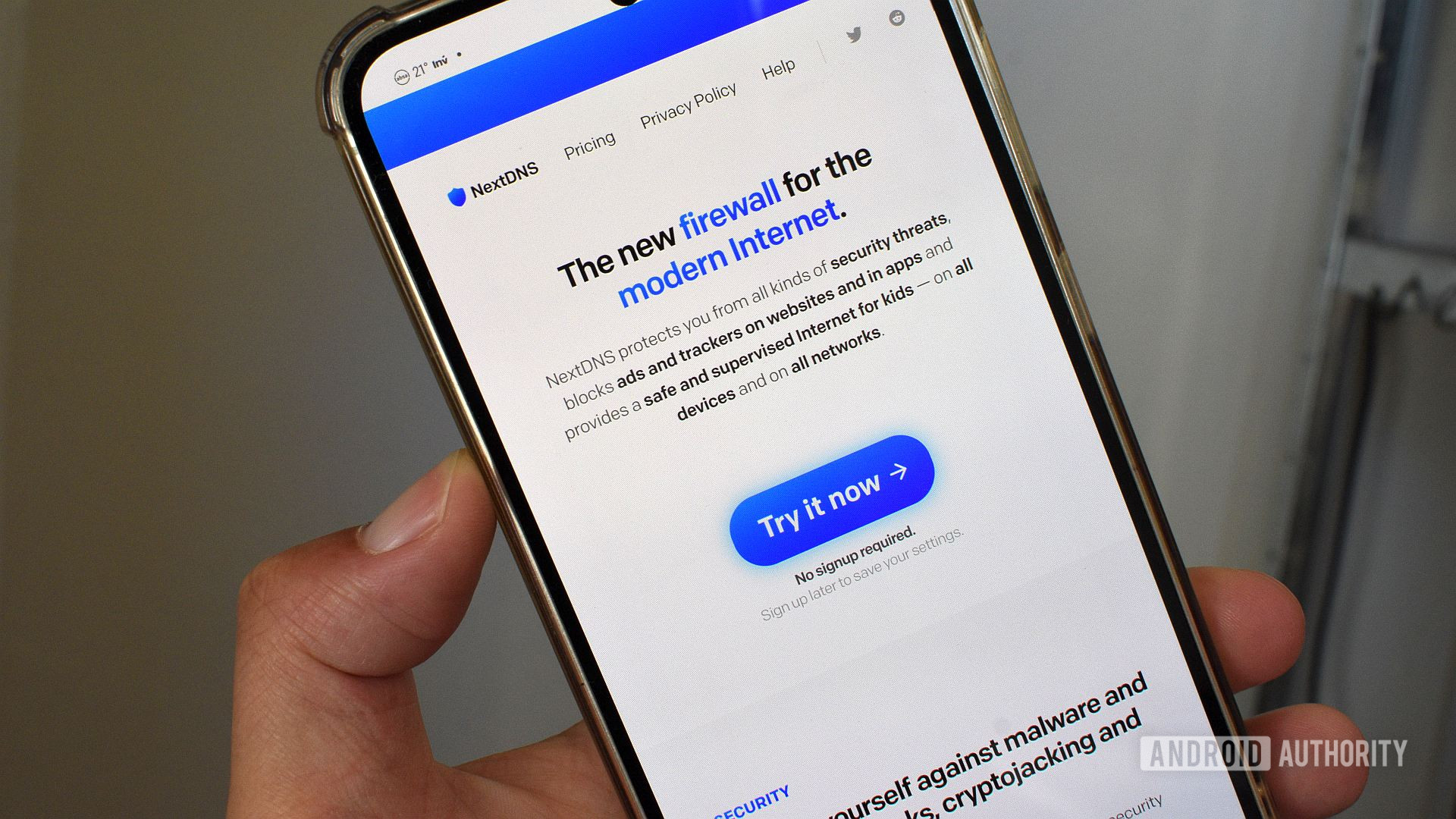
I recently wrote an article explaining why I prefer using a dedicated ad-blocking app on Android over the Private DNS feature. It seems many readers weren't too happy with my conclusion. In fact, in a survey we ran alongside that piece, over 65% of respondents claimed that they use Private DNS to block ads on their phones. I argued that a standalone app like Blokada gives me more immediate control over ad blocking on my device. However, one alternative that frequently appeared in the comments was NextDNS.
Intrigued by the recommendations, I decided to give NextDNS a try on my Android phone. The setup was surprisingly simple, and I was up and running in just a few minutes. NextDNS is a Private DNS provider that offers ad-blocking capabilities, and it's available as both a standalone app and a DNS configuration option. This dual approach makes it versatile and easy to integrate into existing routines.
One of the first things I noticed about NextDNS is its user-friendly interface. The app is clean and intuitive, with clear instructions guiding you through the setup process. I was able to quickly configure it to block ads on my phone without any technical difficulties. The ad-blocking feature works by redirecting requests to ad servers to a benign IP address, effectively preventing ads from loading. This method is efficient and doesn't require any additional permissions or background processes, which can be a concern with some ad-blocking apps.
Another advantage of NextDNS is its compatibility with various Android devices and operating systems. It supports both rooted and non-rooted devices, which means users don't need to modify their system settings or install any third-party apps to get started. This makes it a more accessible solution for those who prefer not to delve into advanced configurations.
While I initially favored standalone ad-blocking apps like Blokada for their immediate control, NextDNS proved to be a strong contender. The seamless integration with the Private DNS feature allows for a more comprehensive ad-blocking experience without sacrificing ease of use. Additionally, NextDNS offers features like DNS leak protection and malware protection, which add an extra layer of security to browsing on Android.
Despite my initial reservations, NextDNS has become my favorite way to block ads on my phone. Its simplicity, effectiveness, and compatibility with a wide range of devices make it a reliable choice for users looking to enhance their browsing experience by removing intrusive ads. While some may still prefer standalone apps, NextDNS demonstrates that Private DNS can be a powerful and efficient alternative.
In conclusion, NextDNS has proven to be a game-changer for ad-blocking on Android. Its straightforward setup and robust features make it a top choice for users seeking an effective and easy-to-use solution. As more people turn to Private DNS for ad-blocking, NextDNS stands out as a reliable and versatile option that delivers results without compromising on simplicity. Whether you're a tech enthusiast or a casual user, NextDNS is worth considering for a cleaner, ad-free browsing experience on your Android device.