HW070: Better Understand Your Network Performance with NetViews
Every Wi-fi or network professional occasionally struggles with understanding what their endpoints are experiencing. Keith sits down with Bill Bushong, creator of NetViews, a macOS application originally called PingStalker. In this conversation they discuss why he built NetViews, the technical details on how it works, its network monitoring capabilities, and how Wi-Fi professionals can use ... Read more »
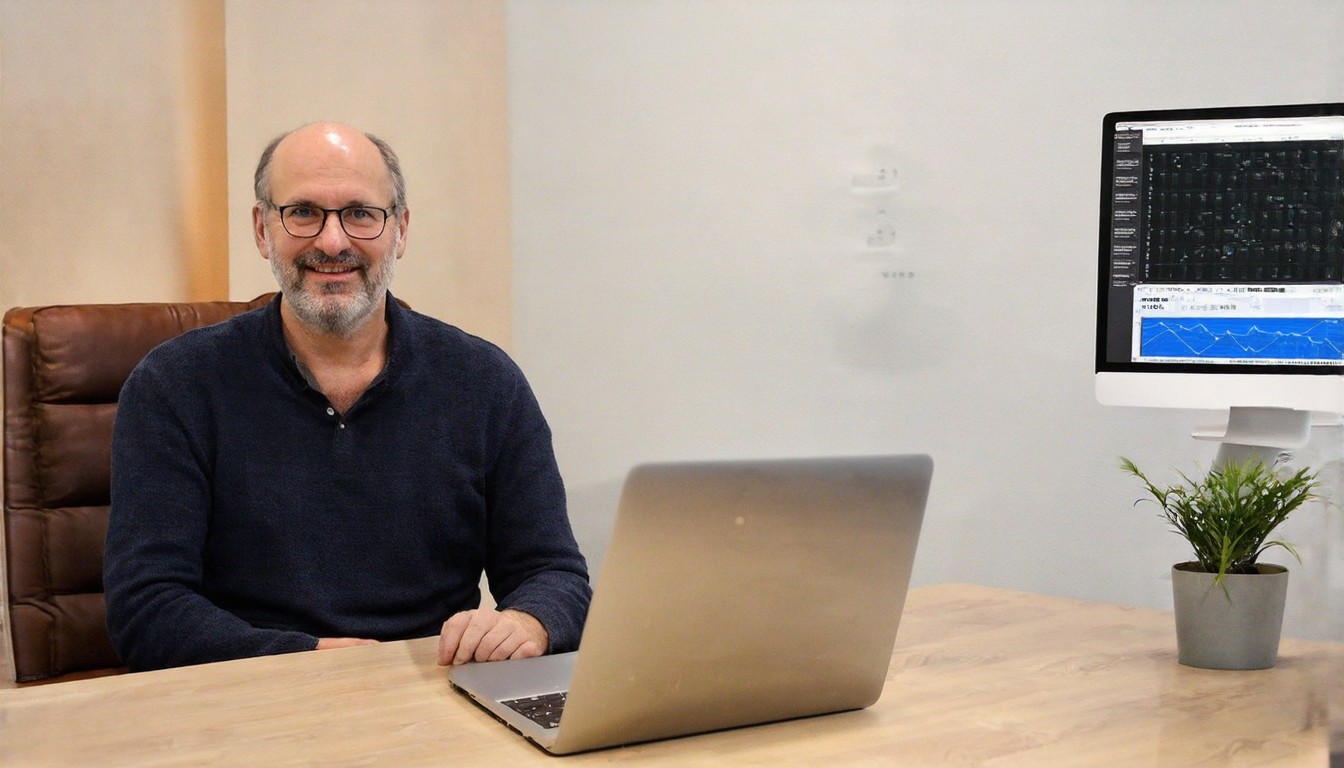
Every Wi-Fi or network professional occasionally struggles with understanding what their endpoints are experiencing. This can lead to challenges in troubleshooting network issues, optimizing performance, and ensuring reliable connectivity. To address these challenges, Keith recently sat down with Bill Bushong, the creator of NetViews, a macOS application that was originally known as PingStalker. In their conversation, they discussed the inspiration behind NetViews, the technical aspects of how it works, its network monitoring capabilities, and how Wi-Fi professionals can leverage it to gain deeper insights into their network's performance.
Bill Bushong began by explaining that the idea for NetViews, or PingStalker as it was initially called, stemmed from his own experiences as a network engineer. He often found himself in situations where he needed to monitor the performance of multiple endpoints simultaneously, but the tools available at the time were limited or cumbersome to use. This gap in the market motivated him to create a solution that would provide real-time visibility into network conditions and help professionals troubleshoot issues more effectively.
The technical foundation of NetViews lies in its ability to send ICMP (Internet Control Message Protocol) echo requests, also known as ping packets, to the target endpoints. By analyzing the response times and packet loss rates, the application offers valuable insights into the health and performance of the network connections. This method is non-invasive and does not require any changes to the endpoints' configurations, making it a versatile tool for network professionals.
One of the key features of NetViews is its user interface, which provides a visual representation of the network topology and the performance metrics of each endpoint. This helps users quickly identify bottlenecks, latency issues, or connectivity problems. The application also supports advanced features such as customizable ping intervals, the ability to prioritize endpoints based on importance, and the option to export performance data for further analysis.
In discussing the network monitoring capabilities of NetViews, Bill Bushong highlighted its versatility in handling various network scenarios. Whether it's monitoring devices within a local network, assessing the performance of remote servers, or evaluating the connectivity of IoT devices, NetViews can be tailored to meet the specific needs of the user. Additionally, its compatibility with macOS ensures that it integrates seamlessly with the operating systems commonly used by network professionals.
Wi-Fi professionals can benefit greatly from using NetViews to optimize their networks. By continuously monitoring endpoint performance, they can proactively address potential issues before they escalate, leading to improved user experiences and reduced downtime. NetViews can also be particularly useful during network upgrades or when troubleshooting complex connectivity problems, as it provides a clear and actionable view of the network's performance under different conditions.
In conclusion, NetViews, created by Bill Bushong, offers a powerful and user-friendly solution for network professionals looking to gain a deeper understanding of their endpoints' performance. With its real-time monitoring capabilities, intuitive interface, and technical robustness, it has the potential to streamline network management and enhance troubleshooting efforts. As the need for reliable and efficient network connectivity continues to grow, tools like NetViews will become increasingly valuable in the hands of Wi-Fi and network professionals alike.