How to Get Reliable Wi-Fi in Your Backyard
There are several ways to extend your Wi-Fi network into your backyard and out onto the deck or patio. Here’s how.
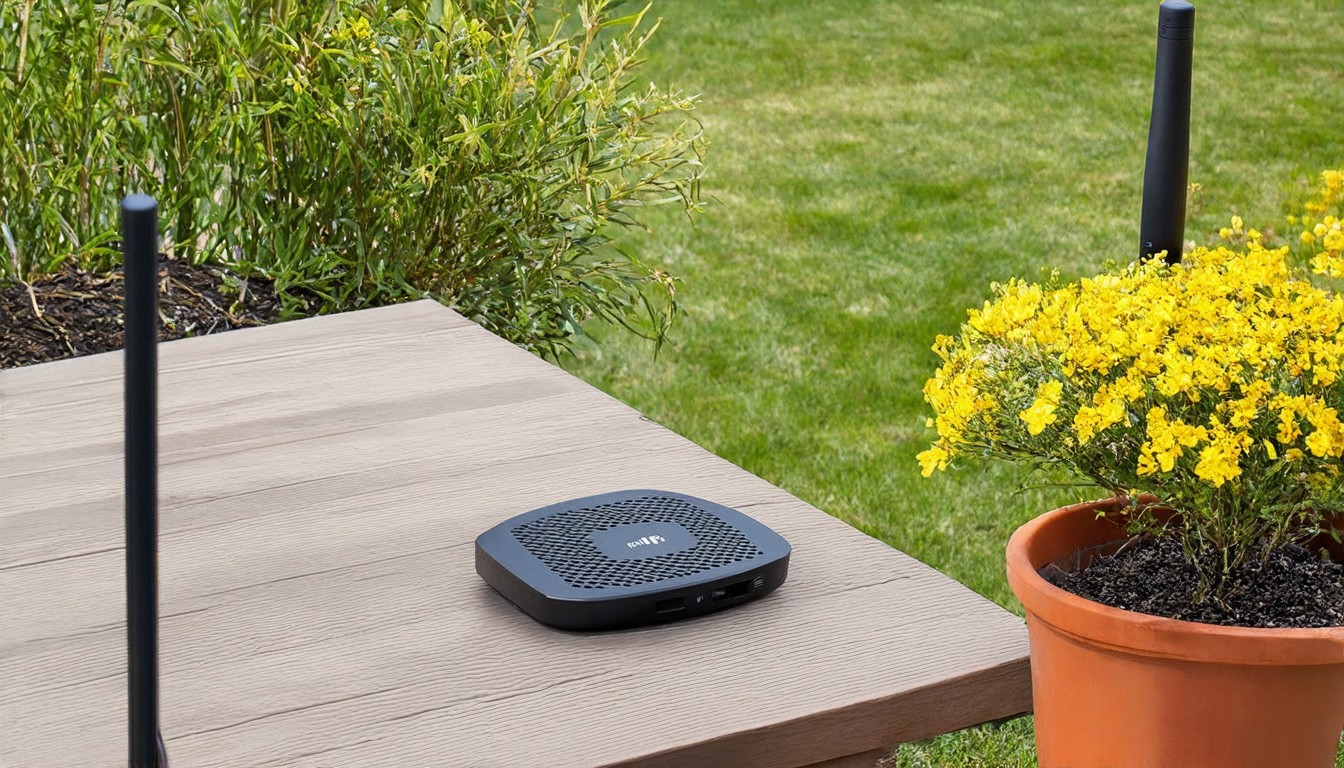
In recent years, the desire for seamless connectivity has extended beyond the confines of our homes and into the outdoors. Whether you're hosting a barbecue, reading a book, or simply enjoying a cup of coffee, having reliable Wi-Fi in your backyard can significantly enhance your outdoor experience. Fortunately, there are several effective methods to extend your existing Wi-Fi network into your backyard, deck, or patio. Here's a comprehensive guide to help you achieve this.
The first step in extending your Wi-Fi network is to assess the coverage area of your current router. Many modern routers come with a feature that displays the Wi-Fi signal strength across your home. If your backyard is within the range of your router's signal, you may not need any additional equipment. However, if the signal is weak or non-existent in the outdoor area, you'll need to consider alternative solutions.
One of the most straightforward methods to extend your Wi-Fi coverage is by using a Wi-Fi range extender. A range extender is a small device that connects to your router and rebroadcasts the Wi-Fi signal. These devices are typically affordable and easy to set up. To choose the right range extender, look for one that supports the same Wi-Fi standard as your router, such as 802.11ac or 802.11n. Place the extender in a central location in your backyard or near the outdoor areas where you need coverage, ensuring it is not obstructed by walls or large objects.
Another option is to use a Wi-Fi mesh network. Unlike a traditional range extender, a mesh network consists of multiple nodes that communicate with each other to provide a unified Wi-Fi coverage area. This system is particularly useful if you have a large backyard or multiple outdoor spaces that require connectivity. Mesh networks automatically optimize signal strength and provide seamless coverage, eliminating dead zones. Some popular mesh systems include Google Nest Wi-Fi, Eero, and LG U+ Wi-Fi Mesh.
For those looking for a more permanent solution, consider installing an outdoor access point. These devices are designed to withstand harsh weather conditions and can be mounted on walls, poles, or posts. Outdoor access points connect directly to your router and extend the Wi-Fi signal to your backyard. They are ideal for homes with limited interior space or for those who want a more robust connection in their outdoor areas.
If you have a wired internet connection, you can also use a Powerline Adapter to extend your Wi-Fi. Powerline adapters transmit data over your existing electrical wiring, allowing you to create an additional network jack in your backyard. Connect a Wi-Fi router or access point to this new jack to provide coverage in the outdoor space. This method is particularly useful for homes without the option to run cables outdoors.
Lastly, if you have a high-speed internet connection and a budget for a more advanced setup, consider a dedicated outdoor Wi-Fi system. These systems often include a combination of outdoor access points, range extenders, and a central controller that optimizes the network for maximum performance. They are ideal for large properties or those who require ultra-reliable connectivity.
In conclusion, extending your Wi-Fi network into your backyard is more accessible than ever. Whether you opt for a simple range extender, a sophisticated mesh network, or a permanent outdoor access point, there are solutions tailored to your specific needs and budget. By investing in the right technology, you can ensure that your outdoor living spaces remain connected, allowing you to enjoy the benefits of Wi-Fi wherever you are.