How much RAM does Linux really need in 2026? My sweet spot after decades of use
Want the best performance from Linux? Here's the ultimate sweet spot, based on my years of testing.
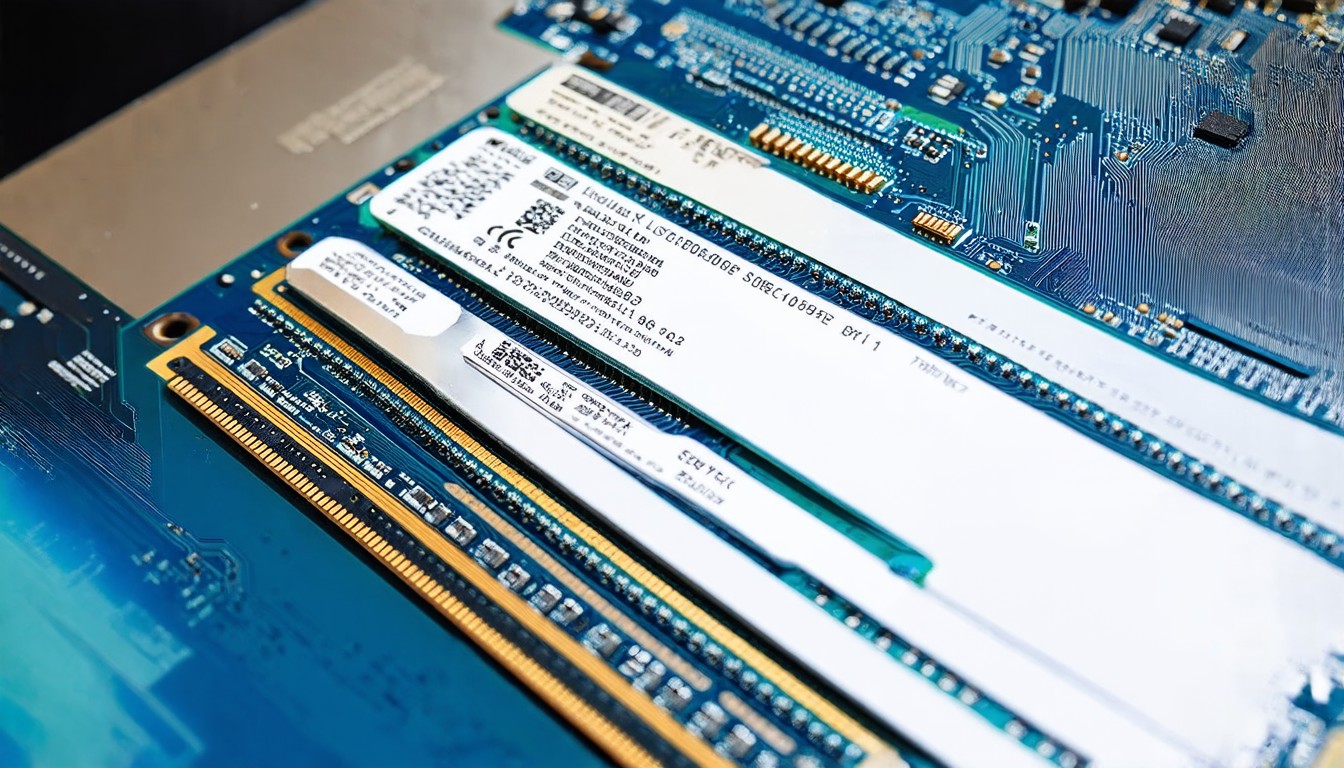
In the ever-evolving world of computing, the question of how much RAM a Linux system should have remains a topic of interest for both casual users and seasoned technologists. As hardware continues to advance, the relationship between RAM and performance in Linux systems has become increasingly nuanced. For many years, the conventional wisdom has suggested that more RAM is always better, but as someone who has used Linux extensively over the past few decades, I've found that there's a sweet spot that offers the best balance of performance and practicality.
For decades, Linux has been known for its efficiency, often running smoothly on systems with limited resources. This efficiency is largely due to the operating system's design, which prioritizes resource management and minimizes overhead. However, as the demands of modern computing have grown—with applications ranging from data analysis to virtual reality—the need for sufficient RAM has become more apparent.
In the early days of Linux, systems with 256MB or 512MB of RAM were considered adequate for most tasks. Today, even basic desktop environments require at least 4GB of RAM to function smoothly. But where does the line draw for optimal performance?
Through years of testing and experimentation, I've discovered that the sweet spot for most Linux users lies between 8GB and 16GB of RAM. This range provides ample resources for everyday tasks, such as web browsing, office applications, and media consumption, while also allowing for more resource-intensive activities like video editing or lightweight virtualization.
At the lower end of this range, 8GB of RAM offers a solid foundation for most users. Modern desktop environments, such as GNOME or KDE, can run comfortably with this amount of memory, though performance may suffer slightly when running multiple applications simultaneously. For users who primarily use the terminal or lightweight environments like XFCE or LXQt, 8GB can be more than sufficient.
On the higher end, 16GB of RAM provides even more breathing room. This amount of memory allows for smoother multitasking, faster application launches, and improved performance in resource-heavy applications. For instance, developers working with large codebases or data scientists handling large datasets will find that 16GB of RAM makes a noticeable difference in their workflow.
However, beyond 16GB, the marginal gains in performance become less significant. While systems with 32GB or more of RAM can handle even more demanding tasks, the cost of additional RAM often outweighs the benefits for the average user. For most Linux enthusiasts, the 8GB to 16GB range represents the optimal sweet spot, offering a balance of performance and cost-effectiveness.
It's also important to consider the specific hardware and software configurations in play. For example, a system with a fast SSD and a modern CPU will perform better with less RAM, while an older system with a traditional hard drive may require more RAM to compensate for slower I/O performance. Additionally, the choice of desktop environment and the number of applications run simultaneously can impact the ideal RAM amount.
In conclusion, the amount of RAM a Linux system needs depends on the user's specific needs and the hardware configuration. For the majority of users, 8GB to 16GB of RAM strikes the perfect balance between performance and practicality, allowing for smooth operation across a wide range of tasks. As Linux continues to evolve, this sweet spot may shift, but for now, it remains a reliable guideline for achieving optimal performance on a Linux system.