Adjusting my router's antenna fixed my Wi-Fi problems - here's the best way to position it
Getting the best Wi-Fi performance requires strategic antenna positioning, proper router placement, and a bit of trial and error.
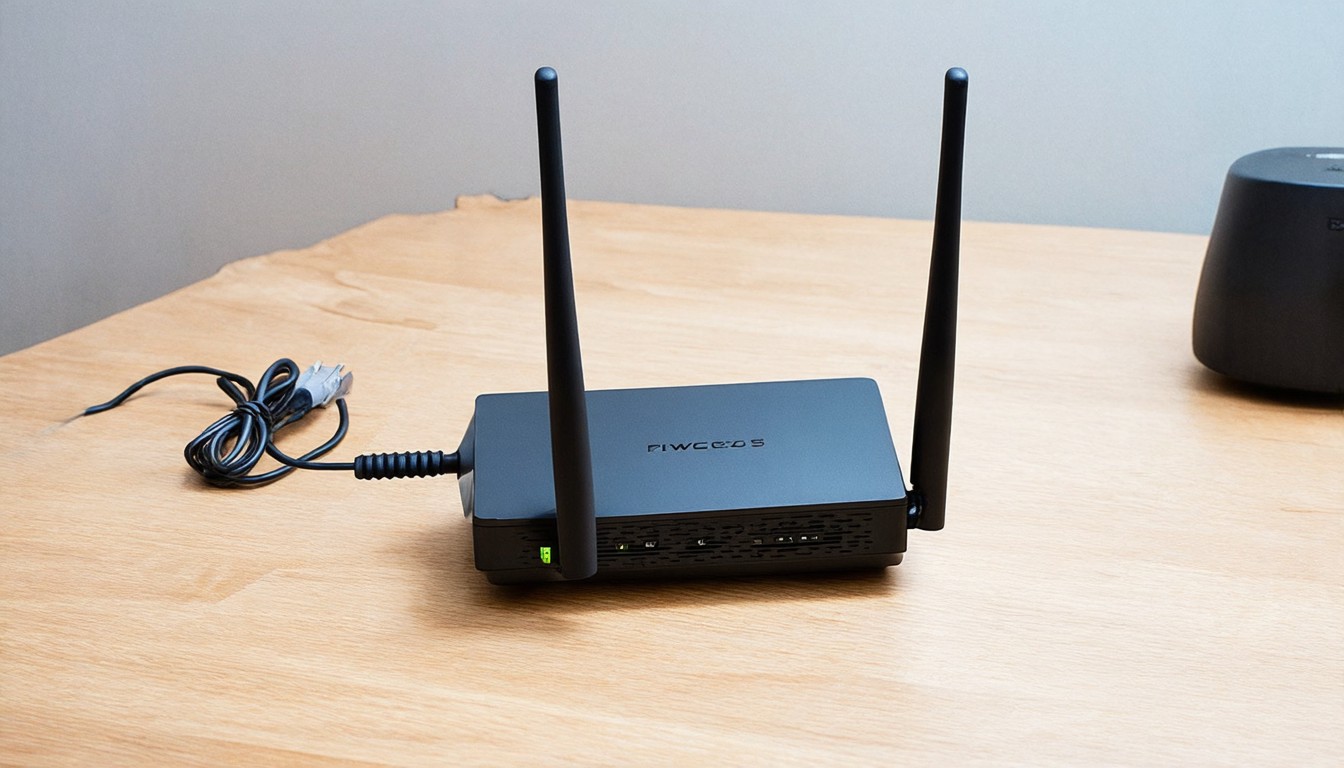
For many homeowners and tech enthusiasts, Wi-Fi connectivity issues can be a persistent headache. Whether it's slow speeds, dropped connections, or inconsistent coverage, these problems can significantly impact daily life and productivity. One common solution that often goes overlooked is adjusting the position of the router's antenna. Properly positioning the antenna can dramatically improve Wi-Fi performance, and with a little bit of trial and error, you can achieve optimal coverage throughout your home.
The first step in improving your Wi-Fi performance is understanding how antennas work. Router antennas emit radio waves that your devices use to connect to the internet. The direction and strength of these waves can vary depending on the antenna's position and orientation. By strategically placing the antenna, you can ensure that the radio waves cover the areas of your home where you need them most.
When positioning the antenna, it's essential to consider the layout of your home. If your router is centrally located, placing the antenna horizontally can help cover a larger area, especially if your home has an open floor plan. However, if your home has walls or obstructions that block the signal, you might need to position the antenna vertically to direct the signal upwards or downwards, depending on the layout.
Another important factor is the placement of the router itself. Ideally, the router should be placed in a central location to ensure even coverage. Avoid placing it near large metal objects, such as refrigerators or air conditioners, as these can interfere with the signal. Additionally, placing the router on a raised surface, like a bookshelf or a table, can help improve signal strength by reducing interference from the ground.
Once you've determined the best location for your router, it's time to focus on the antenna. Many routers come with dual-band antennas, which means you have two antennas to work with. Positioning these antennas correctly can further enhance your Wi-Fi performance. For dual-band routers, it's common to place one antenna horizontally and the other vertically. This setup allows the horizontal antenna to cover a wider area horizontally, while the vertical antenna can help penetrate walls and obstructions.
Trial and error is often necessary when positioning antennas. Start by testing different orientations and positions for your antennas, and monitor the Wi-Fi signal strength in various areas of your home. You can use tools like Wi-Fi analyzers or apps on your smartphone to help identify areas with weak signals. As you make adjustments, keep track of how the changes affect your internet speed and connectivity.
In addition to antenna positioning, there are other factors that can impact Wi-Fi performance. Ensure that your router's firmware is up to date, as updates often include performance improvements and security patches. Additionally, consider changing the Wi-Fi channel to avoid interference from neighboring networks. Many routers allow you to switch channels, so experiment with different options to find the one that works best for your area.
Finally, it's worth noting that while adjusting the antenna can significantly improve Wi-Fi performance, there may be cases where additional hardware is needed. If you have a large home or multiple floors, a Wi-Fi mesh system or a range extender can help extend the signal and provide consistent coverage.
In conclusion, improving Wi-Fi performance starts with understanding the basics of antenna positioning and router placement. By strategically adjusting the antenna's orientation and position, you can achieve better coverage and faster speeds throughout your home. With a bit of trial and error and some attention to the surrounding environment, you can transform your Wi-Fi experience from frustrating to seamless.